



Take on the 5@8 screen-free challenge as a family!
04 January, 2024 • Par Natacha Langlois
Even though we're not completely against screens, we have to admit that they've taken up a considerable place in our daily lives and in our kids' lives, and that it's important to manage them responsibly to make sure our kids grow up in a stimulating family environment, that we have enough time to get through all our daily to-dos and that we take the time to share real moments as a family. That's why, at Les Belles Combines, we created the “5 to 8 Screen-Free” challenge a few years ago, a one-week screen break that lets us see the real place technology takes up in our lives and realize that the few hours a day we spend on our screens may be exactly the hours we're missing to reach the balance we dream of. Want to take on the challenge but don't know what to do with all that extra time? Here's a suggestion for each day of the week:
Monday: Cook a quick recipe for tomorrow's packed lunches! Whether it's a pasta salad, a quiche or mini pizzas, use your imagination or check out our many recipes to find the one that suits you!
Tuesday: Take some time to move! Go for a family walk, visit a new park, walk to the grocery store: there are loads of ways to get active without needing to go to the gym!
Wednesday: Do some reading in an original way: read a book in several voices, act out characters or read the same text several times while timing yourselves.
Thursday: Take a few minutes to tidy one specific spot in the house, like the utensil drawer, the pantry, your bedside table or your makeup bag.
Friday: Build your creativity by doing crafts as a family! Check out our fun printables or browse the web for inspiration!
Saturday: Make the most of your day off to discover new games, whether board games as a family or simply a card game you found on the web!
Sunday: Try new variations on hide-and-seek, like a version in the dark with flashlights or a variant where only one child hides while everyone else looks for them.
Because you probably won't ban screens from your home forever, it's important to put good screen habits in place at home and limit children's access to screens. To help, here are a few tips from Laurence Morency-Guay, a psychology professor specializing in child development and author of the book “Dire plus souvent non aux écrans pour les enfants” (in French; roughly “Say No to Screens More Often for Kids”).
- If possible, don't have a TV in the family room. Either keep it in a cabinet that closes or put it in a less-used room. That way, turning it on at the slightest opportunity is less convenient, which will reduce the habit of watching it.
- Set specific times to watch a show (as a family) and stick to those periods so you don't lose track of screen time.
- Plan your own viewing for when the kids are in bed or outside: this lets you dedicate family time to more enriching activities and fully enjoy that time for yourself.
- Keep computers in designated rooms such as an office, if possible. That way, you avoid stretching out work periods and working in front of the kids.
- Don't keep phones within reach when you're at home. You're then less inclined to check social media and email and to handle devices in front of the kids.
- Put tablets away in a drawer and don't let children under 5 use them to “play”. There is no truly educational activity for toddlers on tablets, so we avoid offering them to handle one. School-age children will sometimes have schoolwork-related activities to do and can use them when needed, but we prioritize activities in books, in workbooks or that allow real sensory exploration for little ones, since all of that is what will contribute to their healthy development.
Want to discover even more content about managing screens? Check out our special feature “Managing Screens”!
To set clear rules around screens, take a look at our turnkey set “Before Turning On a Screen”!
Would you like to be the first to see all the content published in the Magazine each month, and have access to our Toolbox, which includes free downloads that are both practical and fun? Subscribe to Belles Combines Magazine now!
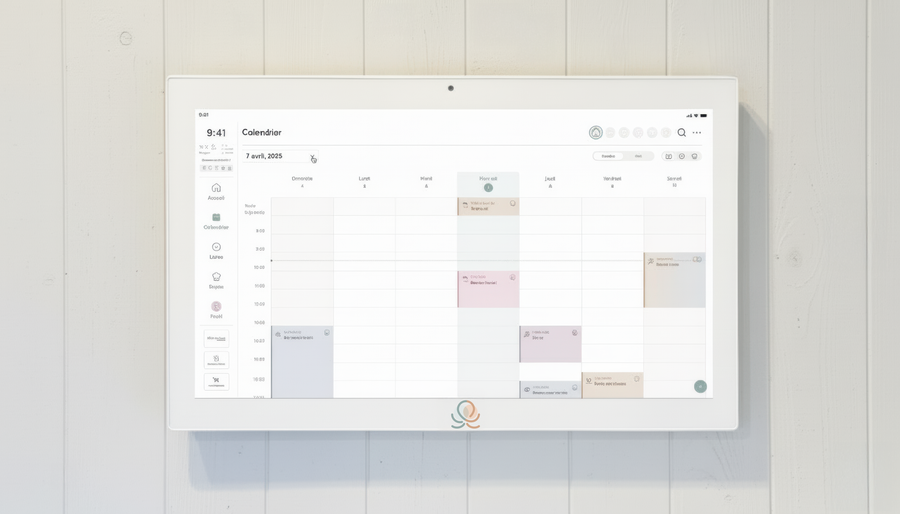
Put these tips into practice
Get the whole family organized with Octave
Meals, chores, the calendar and routines for the whole family in one place: on everyone's phone and on the Station on your wall.
The app is free on iOS and Android.