



Tablets: the educational side of the coin
22 October, 2018
The famous tablet: the debate over its use is already in full swing, fuelled as much by its benefits as by its dark side. My goal in writing this article isn't to take sides or to stir up a debate. I believe that every parent has to make up their own mind on the subject and decide what place the tablet should have in family life, based on their values and their family's reality. So I simply want to share my own take on this piece of technology.
In my reality, under my roof
We have a tablet at home, and the kids do have access to it. However, they're only allowed to use it when we, the parents, say so. We made a conscious choice not to leave it within their reach or at their disposal. On top of that, their allotted tablet time is shown on a Time Timer. Without it, keeping track of time was hard for my little ones, and handling the meltdown when the tablet had to be put away was hard for us!
Day to day, the tablet is one of the rewards on offer in our General Store. So the kids can choose this privilege once they've saved up enough tokens. Other than that, we allow it at specific moments that are harder for our children (a plane trip or a haircut, for example).
What about the dark side?
Although the tablet is appealing and very stimulating (in its own way), it also has a number of negative effects. A huge body of research has documented the consequences of tablet use by children. It has been shown that heavy use, like heavy use of TV and video games, has negative effects on the different areas of a child's development. These effects are said to show up in attention, language, motor skills (fine and gross) and socialization. Tablet use could also affect children's moods and make them more aggressive. Finally, heavy tablet use could also lead children to develop addiction-like behaviours.
And the educational side?
Despite its downsides, the tablet is a great learning tool. It's appealing because of the instant feedback it gives, along with its bright colours and varied sounds. Since it's a touchscreen, it's easy to use, plus it's easy to carry around anywhere and doesn't need to be plugged in to work. In a school setting, it's also a very useful tool, and one that's already widely used. It's no surprise that many schools have traded in their computer labs for laptops and tablets, especially since there are lots of apps for working on different concepts.
So how do we make the most of the educational side?
As I mentioned earlier, there are lots of games and apps with great educational potential. Here are a few suggestions to explore:
- ABRACADABRA: designed for students in kindergarten and the 1st and 2nd years of elementary school, it offers stories as well as interactive reading and writing activities.
- ABCya: for English-speaking families, a website offering a wide variety of interactive language arts and math games for kids in kindergarten and the 1st to 6th years of elementary school
- Words Without Worries (Mots sans maux) and La magie des mots (in French): two really interesting apps for understanding and practising how words are spelled.
- Alloprof (in French): a site with lots of educational games for working on different concepts in French, math, geography and English
A few tips…
It's important to raise children's awareness and teach them to think critically about the huge number of games and apps out there. It's a mistake to think that everything online has educational value! We also need to guide children as they use the tool: that means structuring their screen time and allowing only certain apps. Up to a certain age, it's even recommended to stay by your child's side while they play. That way, you can interact with them by asking about what they're doing and chatting with them about it. As with everything, moderation is key, so it's important to make sure the tablet isn't your child's main source of stimulation. You can offer books, board games, role-play, creative and building activities, and round things out with an educational app or game on the tablet. Today's kids are comfortable with technology, and I believe it's possible to create a stimulating, balanced environment by using the tablet in a moderate and responsible way. What about you? How do your kids use this tool?
Would you like first access to all the content published in the Magazine each month, plus our Toolbox, which includes, among other things, free downloads that are as practical as they are fun? Subscribe to Belles Combines Magazine today!
Put these tips into practice
Get the whole family organized with Octave
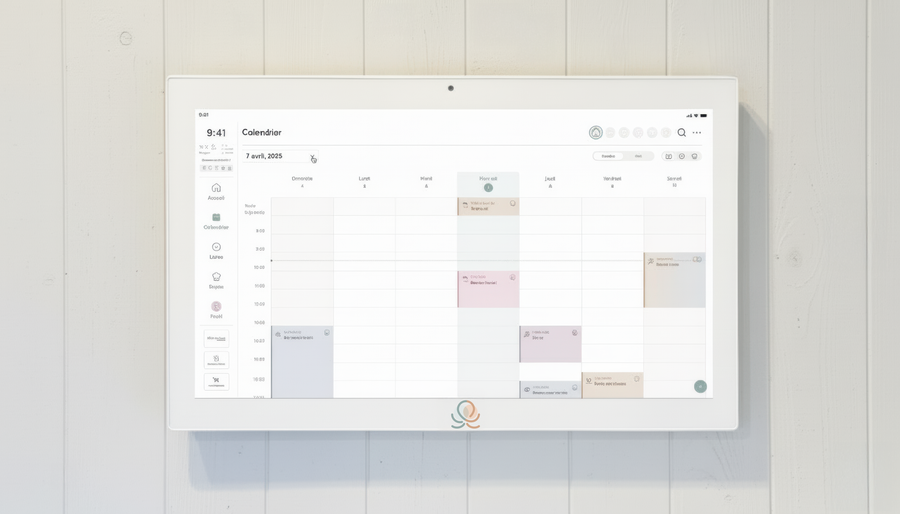
Meals, chores, the calendar and routines for the whole family in one place: on everyone's phone and on the Station on your wall.
The app is free on iOS and Android.