



Digital use in the family: a practical guide
09 March, 2025
As digital technology takes up a growing place in our lives, setting a clear framework for using it as a family is becoming essential. Les Belles Combines offers you a practical guide to managing digital devices harmoniously, along with a fun tool to get the kids involved: “My Digital Rules.”
The family tablet: a first step toward shared digital use
The tablet is often the first digital device a family shares. Using it calls for clear organization so that things run smoothly and safely.
Setup and configuration
- A single main account managed by the parents
- No password shared with the kids
- Apps chosen and installed by the parents only
- Parental controls turned on and customized
- Screen time set by age, with preset alarms
Daily rules of use
- Use in common areas only
- Set times (for example: 30 minutes after homework)
- Ask permission before each use
- Hand it back to the parents after use
- No use during meals or in the hour before bedtime
The family computer: a more complex tool
As children grow, the computer becomes necessary for schoolwork and creative projects. Managing it takes more rigorous organization.
Ideal setup
- Password-protected parent account
- Kids' accounts with restrictions
- Browsing history turned on
- Content filters installed
- Placed in a common area
Organizing files and access
- Shared folder for family documents
- Personal folders for each child
- Clear rules about downloads
- Usage time set according to needs
The first phone: toward digital independence
Getting a personal phone is an important step toward digital independence. This decision, generally considered around age 14, should take into account:
- The child's maturity
- Real needs (transportation, activities)
- The ability to follow the rules
- An understanding of responsibilities
- The family budget
Maintaining a healthy digital environment
Making everyone accountable is essential to using digital technology harmoniously.
Parents' responsibilities
- Regularly checking histories
- Updating restrictions
- Monitoring downloads
- Keeping an eye on storage space
- Setting consistent rules
Kids' responsibilities
- Closing apps after use
- Putting documents away
- Reporting problems
- Respecting usage times
- Deleting unnecessary files
Printable: “My Digital Rules”
To help kids take these good practices on board, we created a fun, interactive poster. This printable lets you:
- Clearly see the rules of use
- Check off the commitments that are being kept
- Track progress
- Build a positive routine around digital technology
Download our “My Digital Rules” poster
Conclusion
Managing digital devices harmoniously as a family comes down to a balance of technical controls, clear rules and open communication. Our “My Digital Rules” poster supports you in this effort by making the rules more fun and easier for kids to understand.
🚀 Find this article and much more in the Octave app: shared calendar, collaborative task list, meal planner, centralized family info and independence tracking – your number one ally for an organized family life! 📱✨
Put these tips into practice
Get the whole family organized with Octave
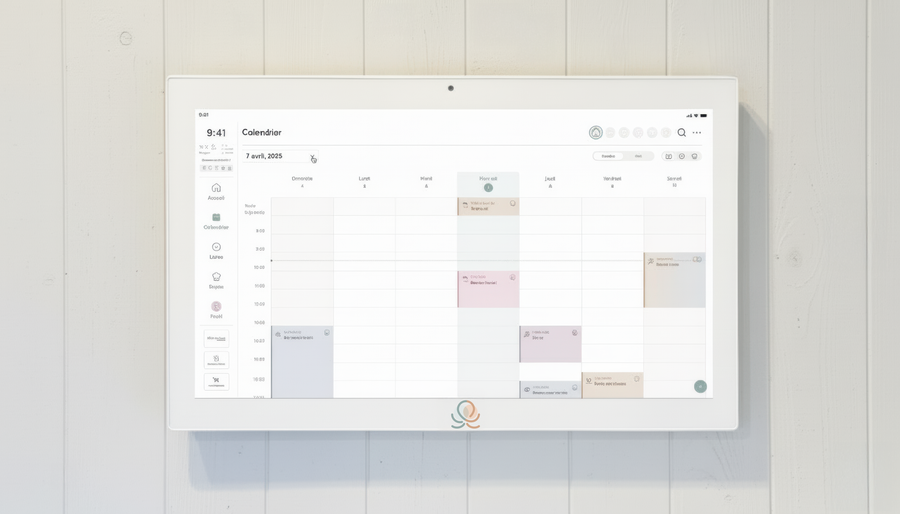
Meals, chores, the calendar and routines for the whole family in one place: on everyone's phone and on the Station on your wall.
The app is free on iOS and Android.